Add Teaching Material to the Online Platform
Tutor Account
A Tutor (or Admin) Account is needed to add Teaching Material to the Platform. If there is no Account for a specific Organisation contact the adminstrator of the platform.
Login on Platform
The Tutor Account gives access to the Adminterminal of the Platform - Reachable in general under yourdomain/wp-admin
For the Dev-ELITE-Platform the URL is https://dev.elite.fbi.h-da.de/wp-admin/
Please only add and change content to/on the Dev-Platform.
Masteriyo
On the Menu on the left side is a Tab for Masteriyo. Masteriyo is the Plugin used to create, modify and display courses on the Platform. After clicking on it on the Menu and beeing in the undercategory Courses (default when clicking on Masteriyo) of Masteriyo, a new course can be created.
Add new Course
Course-Site
At the first creating page this Information can be inserted:
Course Name should be related to the Demo it is refering to. Course Description should be a short (2-4 sentences) description about what the course is about. Course Highlights - not beeing used right now. Categories - not beeing used right now. Featured Image - not beeing used right now. Slug becomes availible after publishing. Should use the same ID than the Demo it refers to.
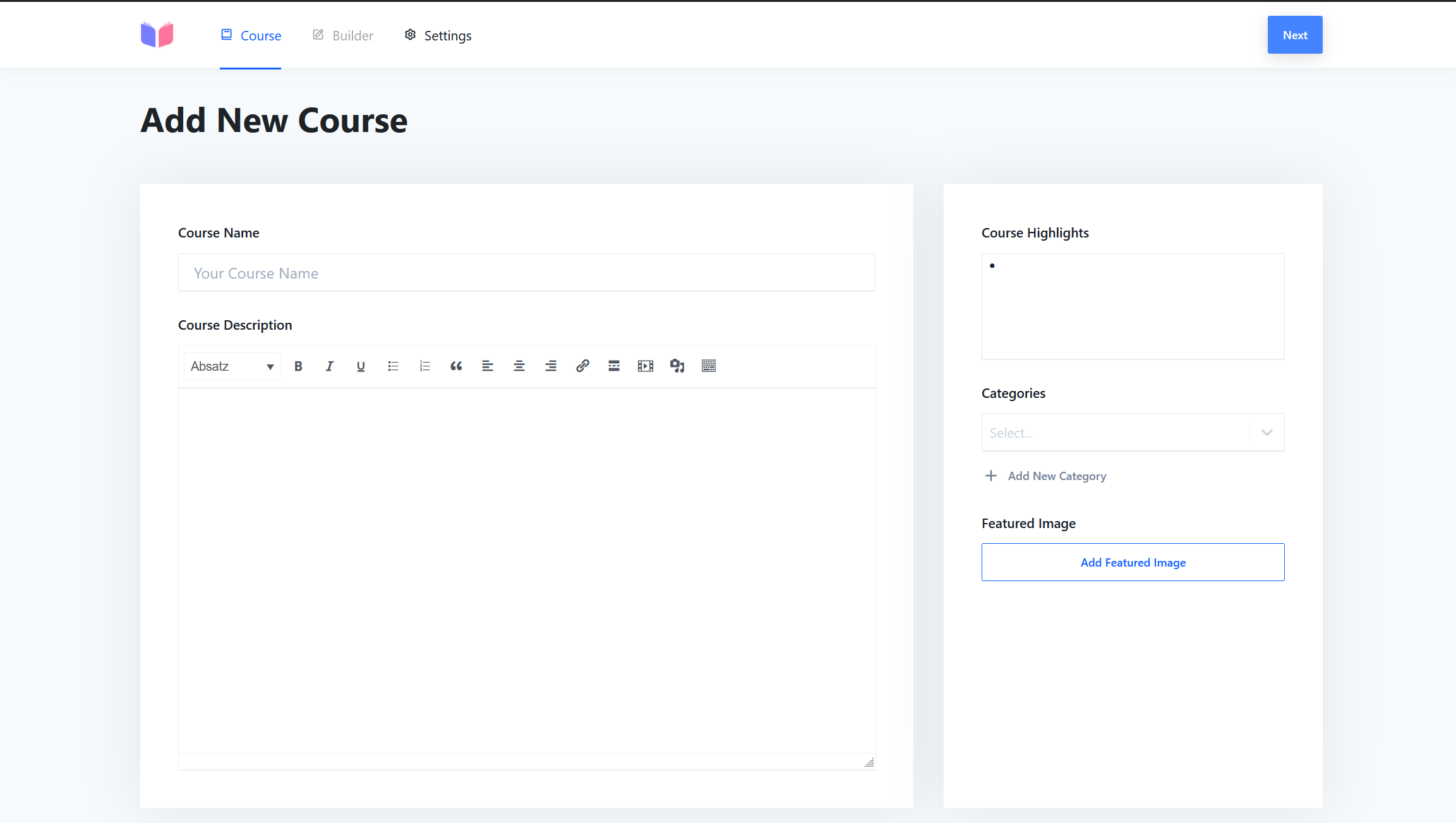
When everything is filled in, the Next button on the top right side will bring up the Builder Site.
Builder-Site
With the Button Add new Section multiple Section can be created.
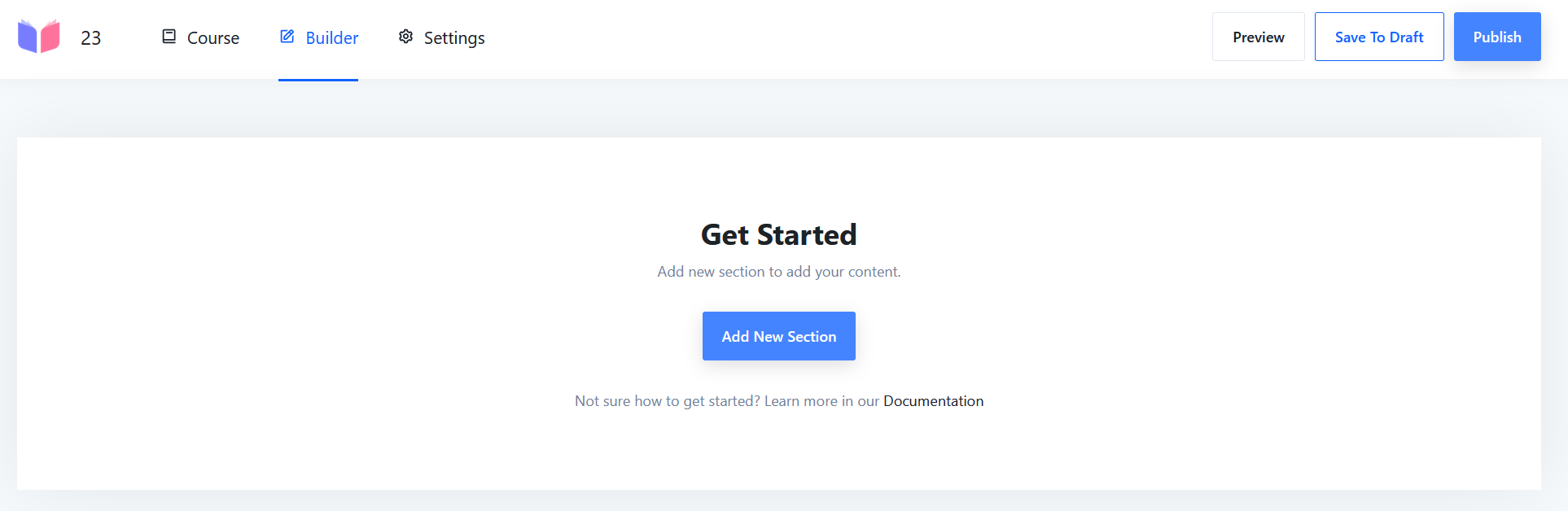
After creating a Section, Content can be added to the Section. One Section can have multiple Content Parts.
Sections can be dragged and dropped to change the Order. Content can be dragged and dropped to change the Order.
Settings-Site
No changes needed.
Add Slug
After publishing a Course, the Slug of that Course can be edited on the Course-Site. The Slug should be the ID of the Demo it refers to. So the course can be opened directly from the Demo window.